Alarm List
The alarm list presents alarm entries as a list, with each record made up of four areas: title, subtitle, content, and tags. Entries can be colored by field value. It sits under Add Widget > Business Widget.
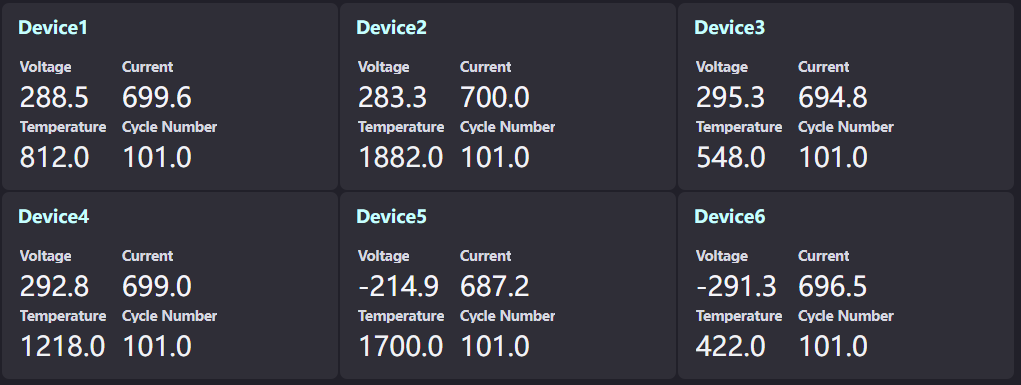
The configuration items of the alarm list are largely the same as the List, so it can be thought of as “list plus paged carousel”. This topic covers only the differences; for the remaining items, see the list documentation.
Items Identical to the List
The following are identical to the list; see the corresponding sections:
Content |
See |
|---|---|
Data fields (0 to 2 dimensions, any number of measurements, no comparison) |
|
List style (visibility, data field, font, icon, and redirection method of the title, subtitle, content, and tag areas) |
|
Conditional formatting (the data field, use color rules, color rules, and the five link switches of conditional colors) |
The Icon of the title area defaults to Warning, the same as the list.
Layout
Layout is specific to the alarm list; the list has no such section.
Rows per Single Page: Sets the number of entries shown on one screen, from 1 to 24 with a default of 5. A value outside that range is corrected to the boundary value automatically.
Container Rotation Interval: Sets the interval of automatic page turning, in seconds. Left empty or set to 0, pages do not turn automatically.
Runtime Differences
The alarm list provides the following behaviors at runtime, which the list does not:
Automatic page turning: Once Container Rotation Interval is set, pages cycle according to Rows per Single Page. When there are more entries than one page holds, page dots on the side of the widget indicate the current page.
Scroll paging: When the data source has pagination enabled and there is more than one page in total, scrolling to the edge of the list continues to the next page, with a loading state shown while turning.
Relative time in the subtitle: When the subtitle value is a valid time within the last 15 days, it is shown as a relative time automatically, for example “3 hours ago”; beyond 15 days, or when the value cannot be recognized as a time, the raw value is shown.
Entry limit while editing: The editor renders at most 50 entries for preview; the actual count applies at runtime.
Note
An entry shows at most 5 tag bubbles, the same limit as the list.